Set up
Upload your list and pair your bindings
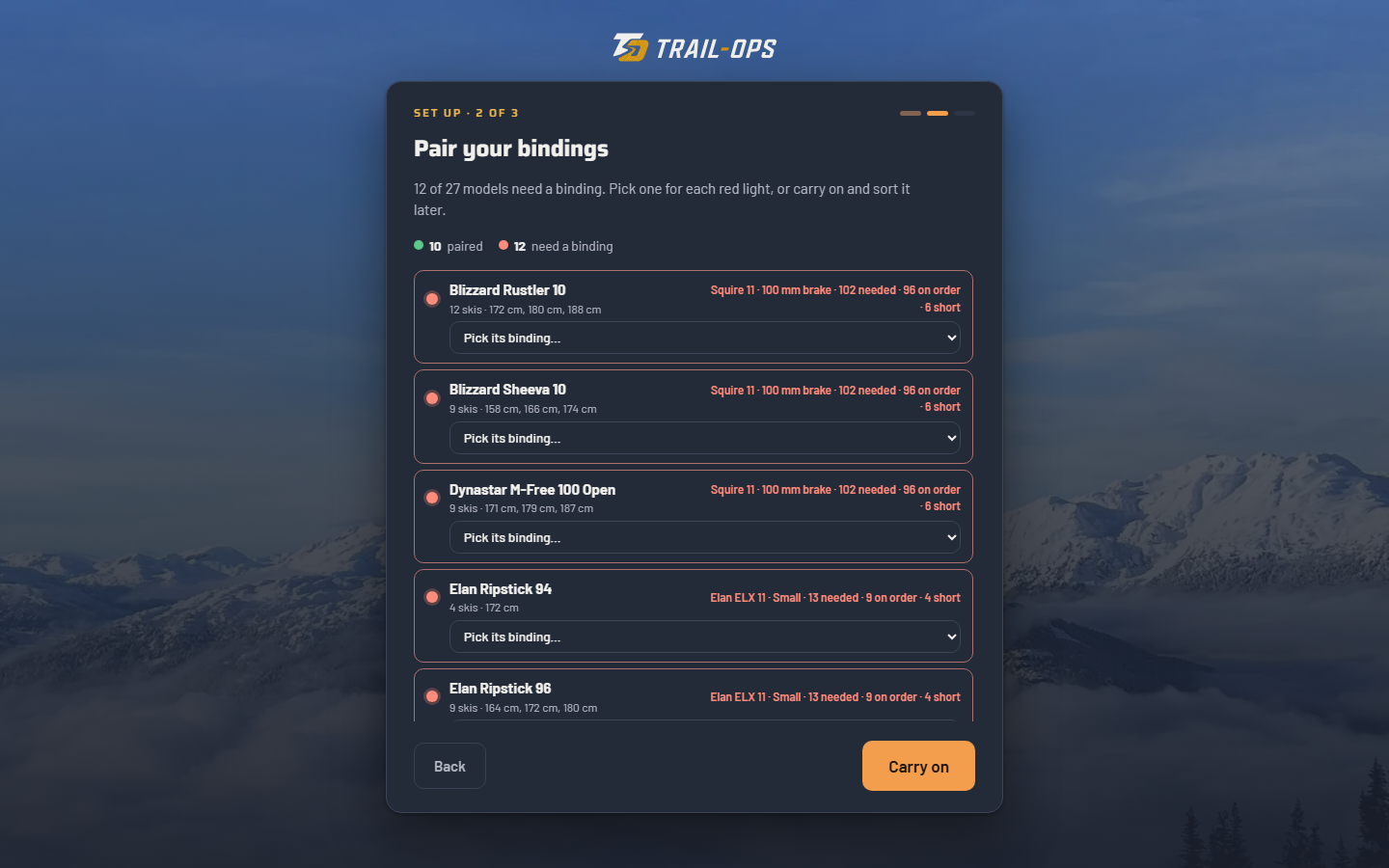
Drop in your stock list and pair each model with its binding. Ordered more since? A manager adds it with Add Stock.
PairedNeeds a binding
Find any ski’s barcode in a search, scan it, and see exactly which rack slot it goes in. Made in the Sea to Sky for local rental shops.
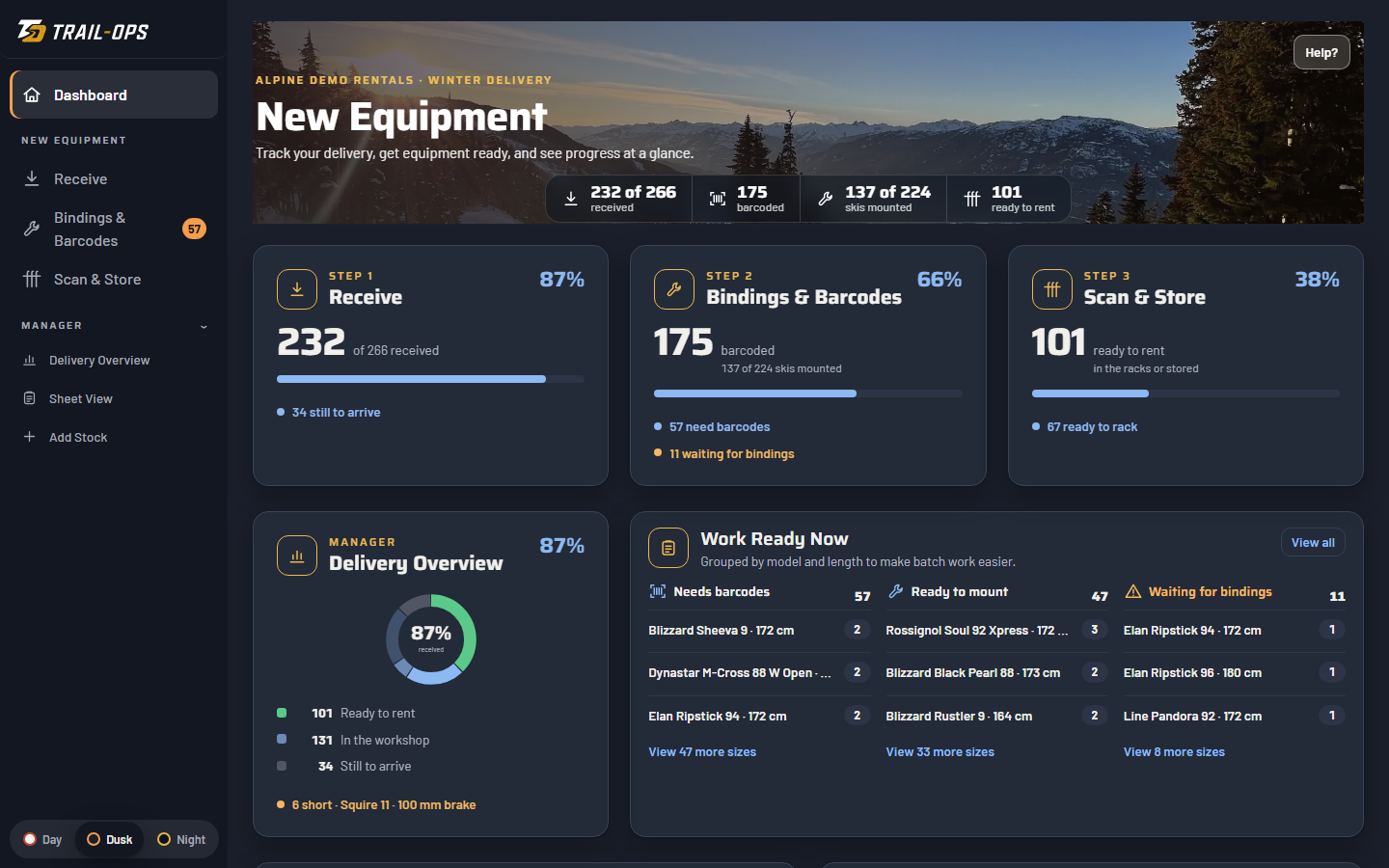
Your shop sets up once. After that, Trail-Ops finds the binding, the barcode and the rack slot at every step. Real screens from a demo shop.
Drop in your stock list and pair each model with its binding. Ordered more since? A manager adds it with Add Stock.
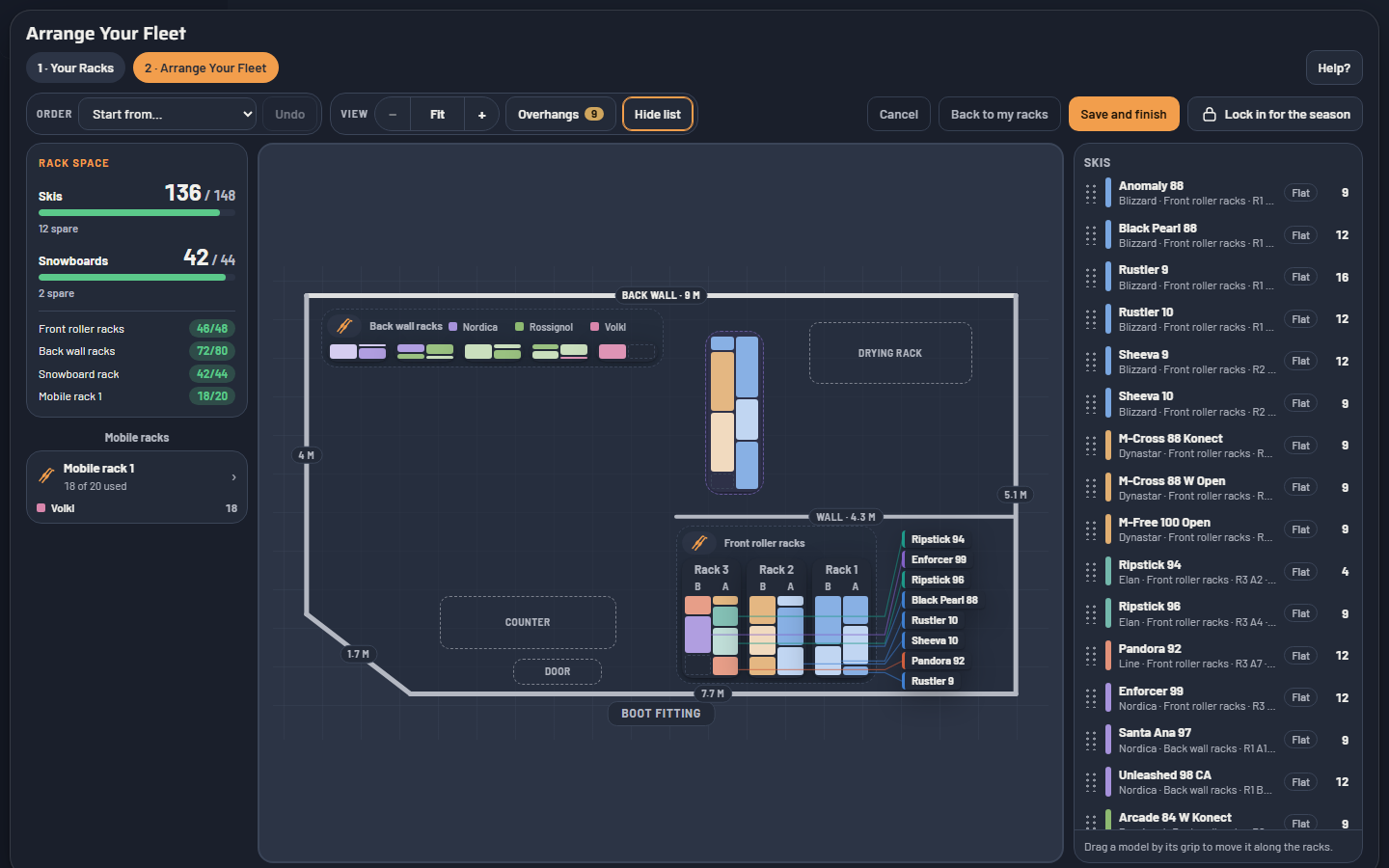
Start from a shape or draw your walls. Place your racks at their real size, every place numbered, and print the floor plan as a PDF.
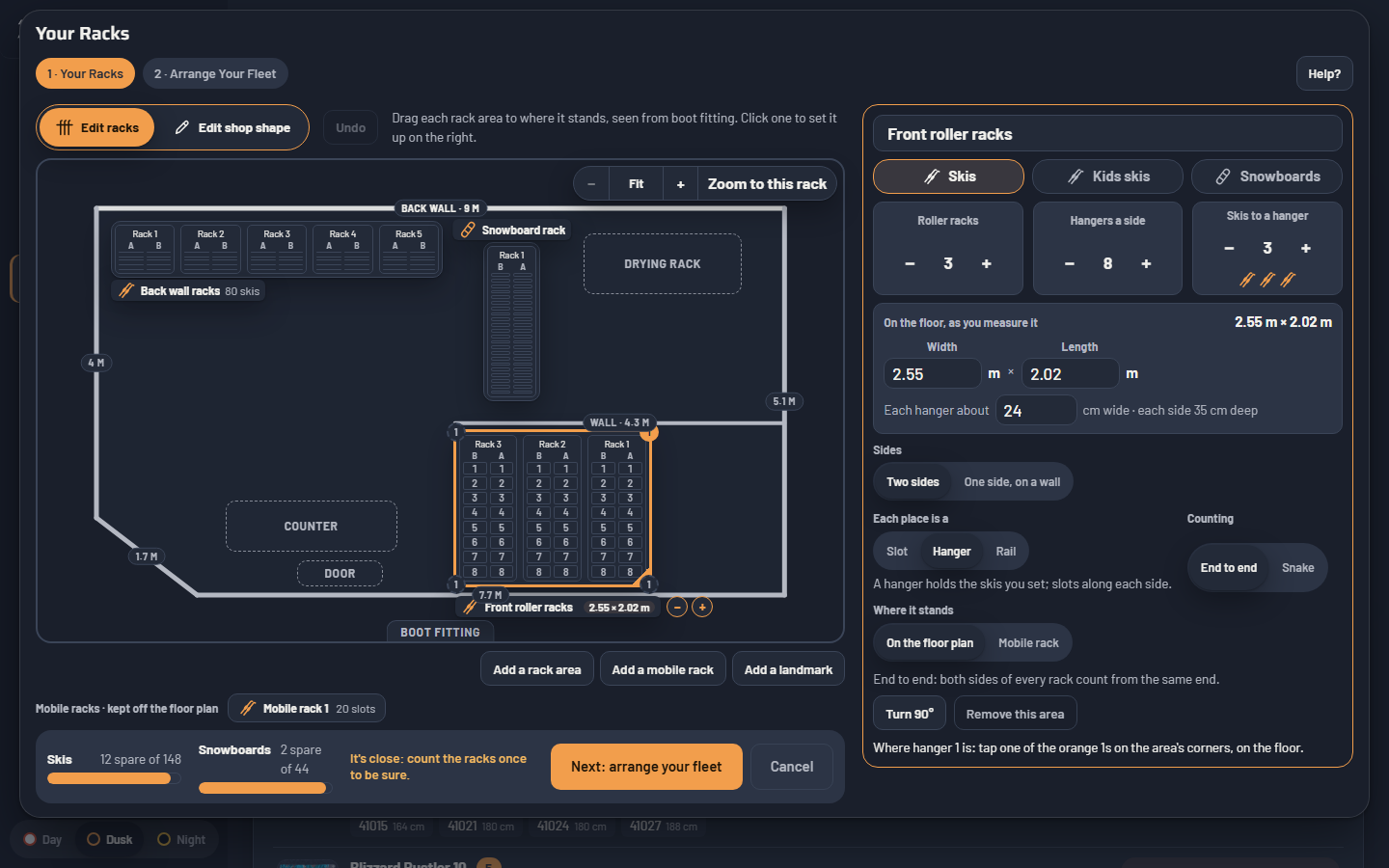
Every model on your racks, coloured by brand, with Rack space showing whether it all fits. Drag a model and the racks refill; Overhangs flags skis spilling onto the next rack.
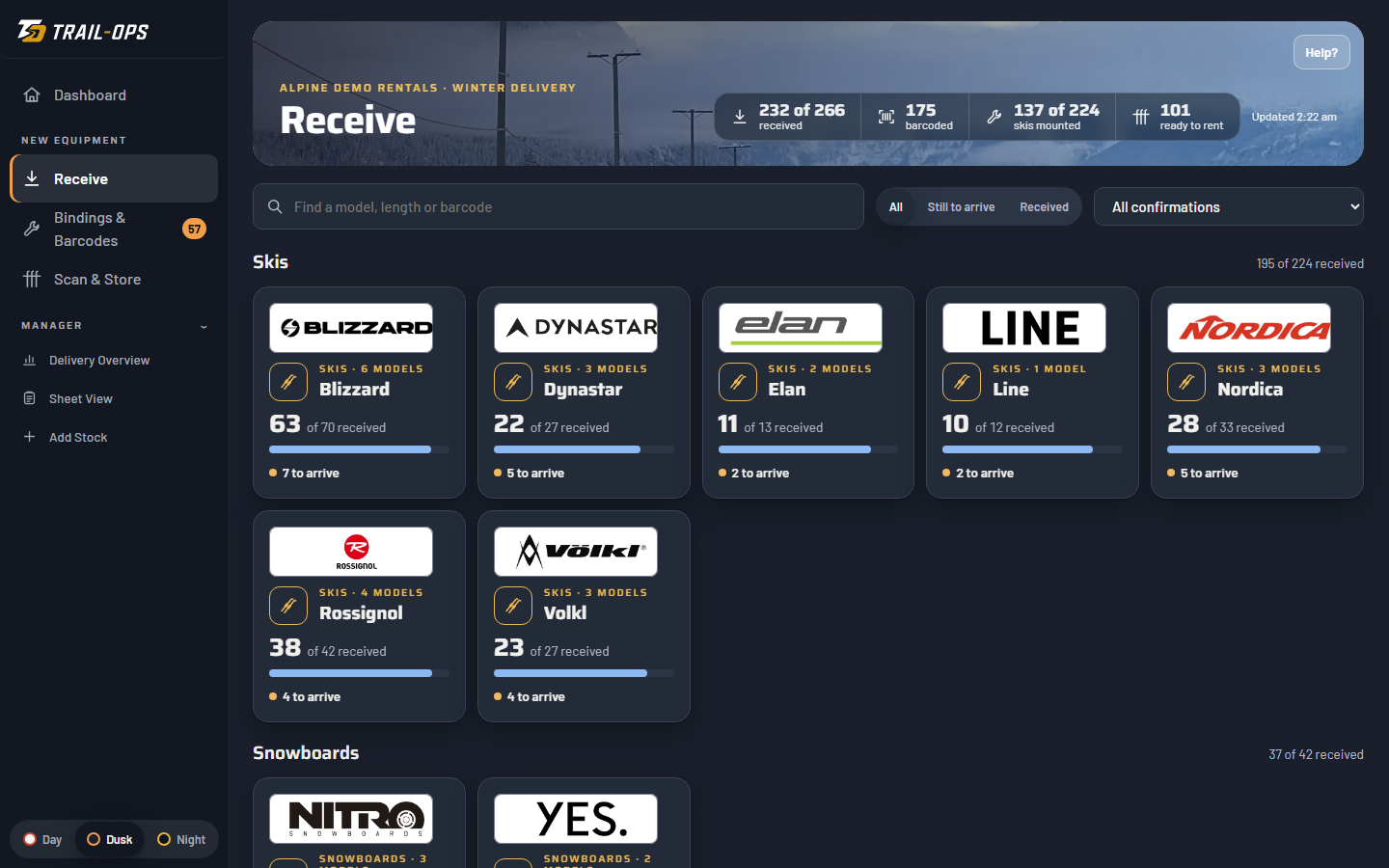
Tick off each delivery by model and length, and see what’s still to come.
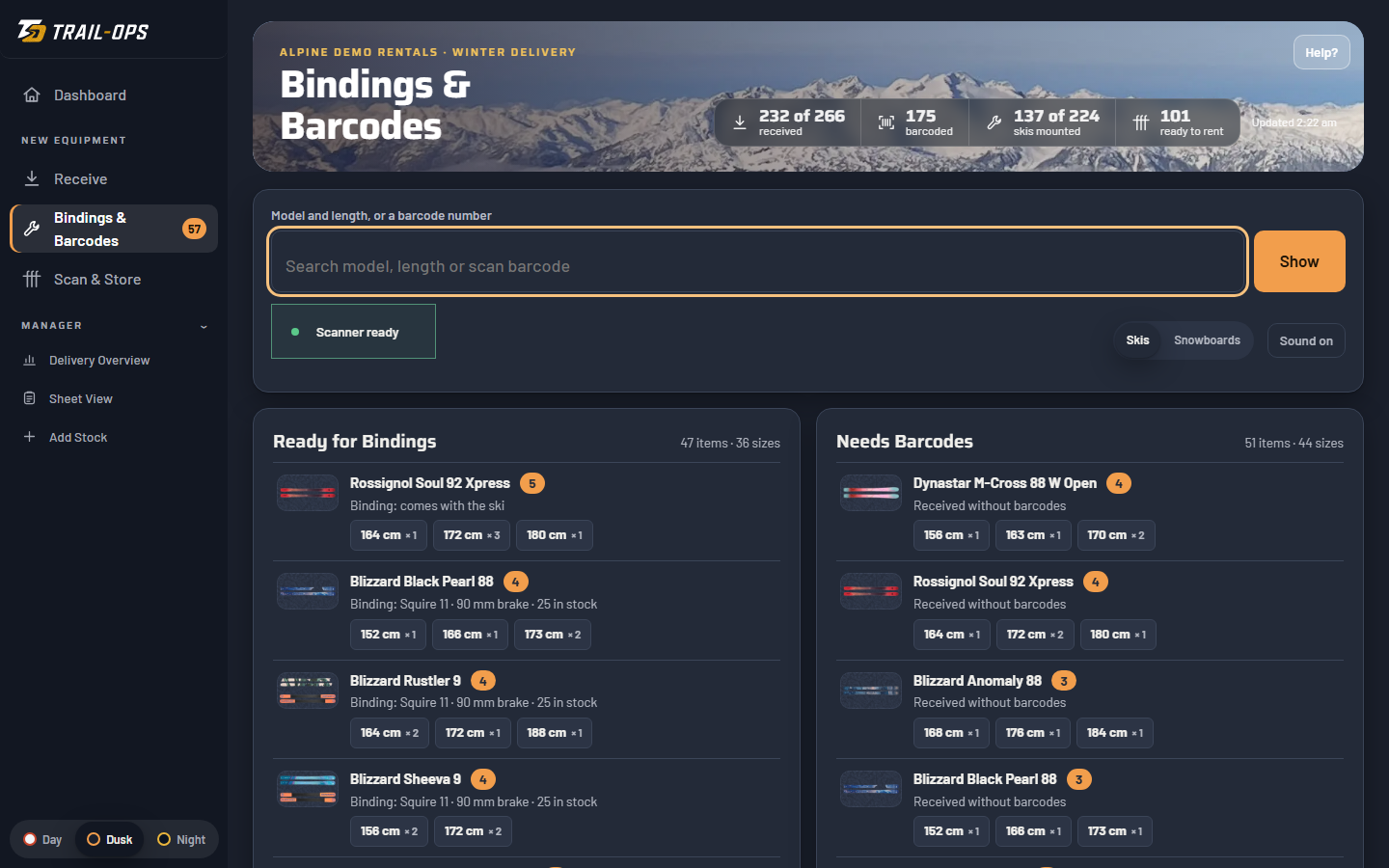
Your techs see what’s ready to mount and which binding each ski takes. Search or scan for any barcode: no more digging through boxes for the 171s. One tap marks a ski mounted and barcoded.
Scan a finished ski, or tap one on the Ready to Pick Up list, to see its area, rack, side and slot. New staff can rack skis on day one.
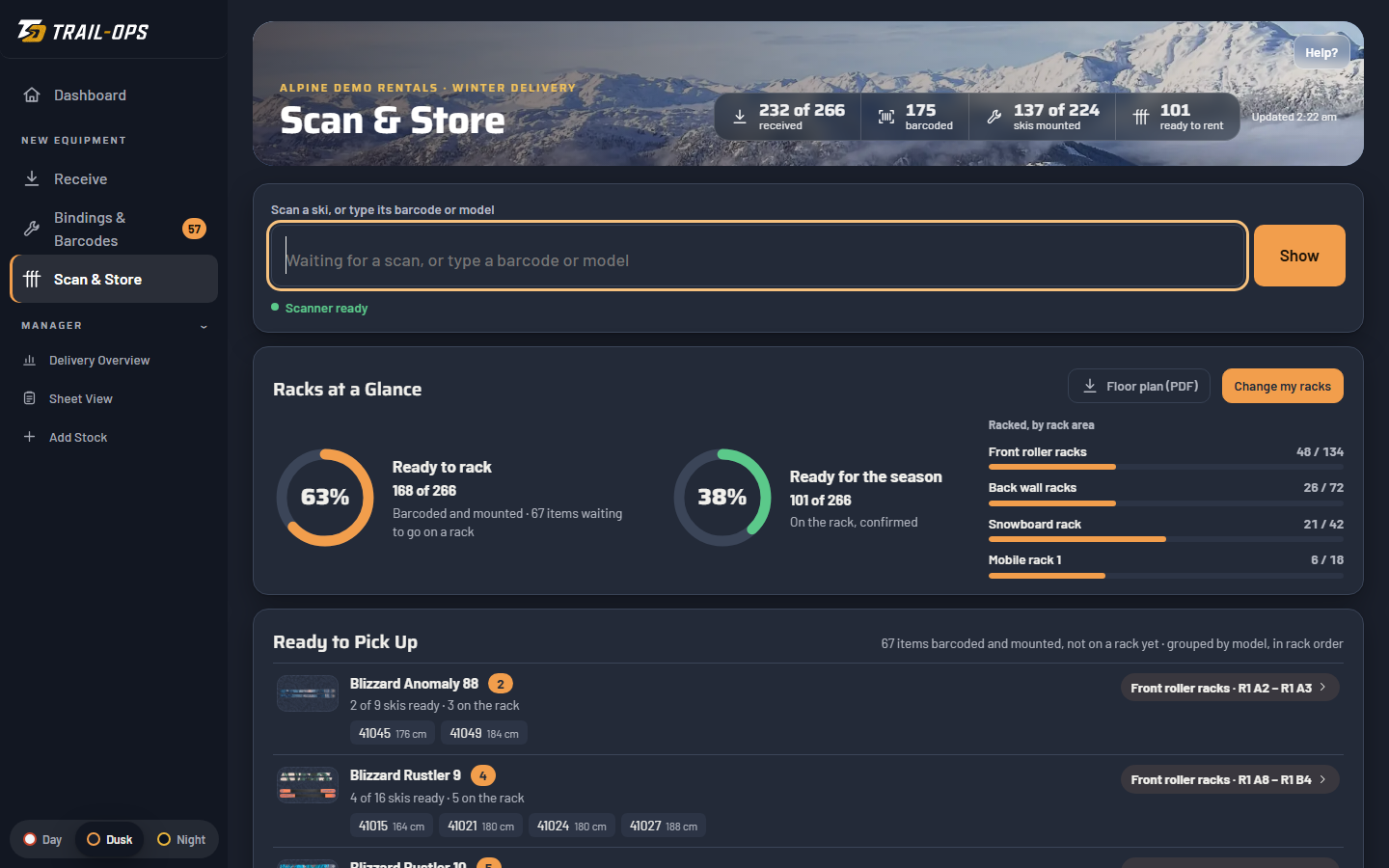
Progress, shortages and the work ready now, for the manager, and your fleet status in Excel when you’re done.
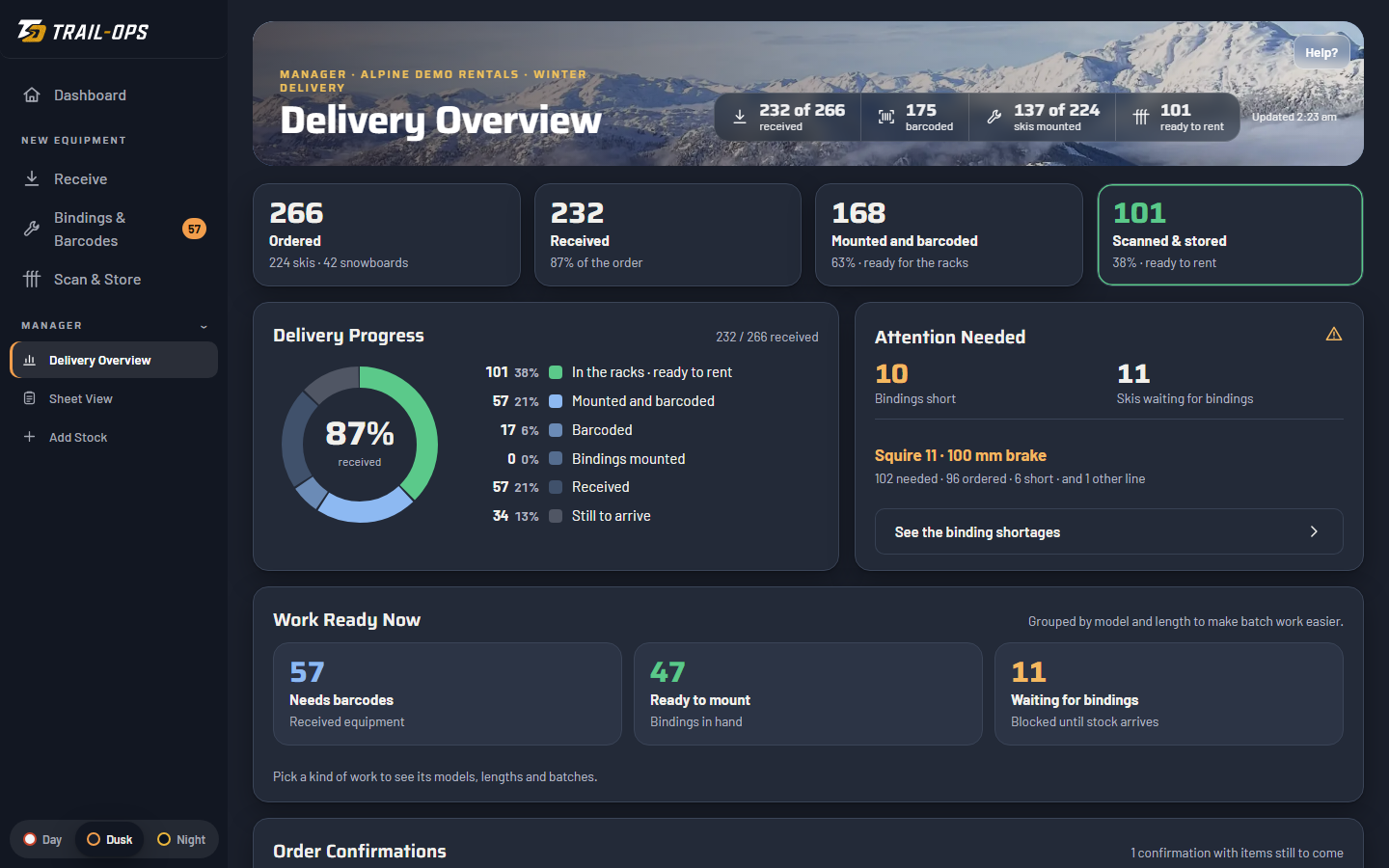
Alpine Demo Rentals is a made-up shop part-way through its delivery, with a short tour. Nothing you do is saved.
Sample downloads: Fleet status (.xlsx) Floor plan (.pdf)
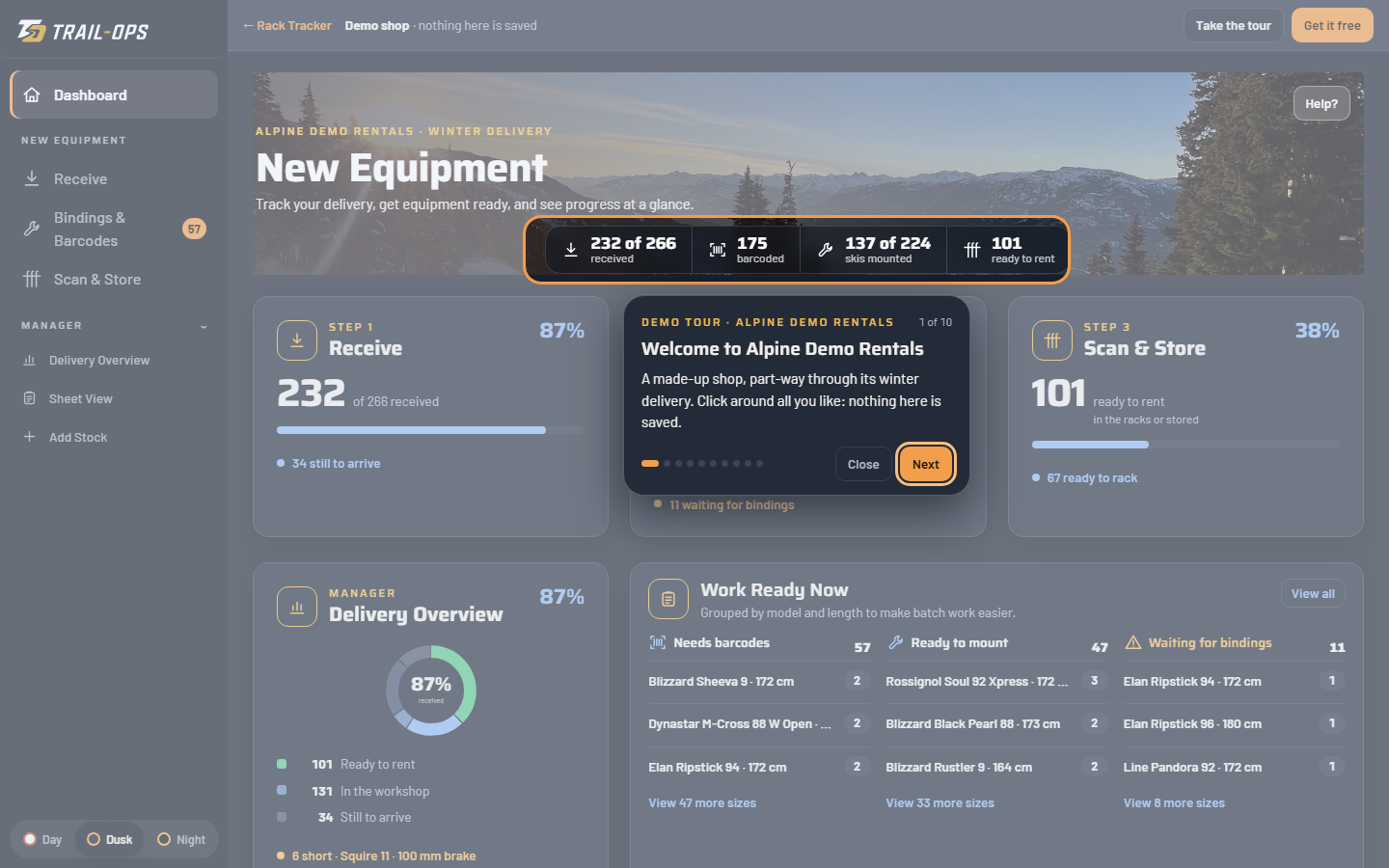
Any .xlsx or .csv, on any tab, columns in any order. A row can be one ski with its barcode, or a model and length with a quantity that gets its barcodes as the stickers go on.
| Column | Use | We also read |
|---|---|---|
Brand | Needed | Make, Manufacturer |
Model | Needed | Product, Description |
Length | Needed | Size, cm |
Barcode or Qty | One of | SKU, Serial, Tag · Quantity, Count |
Binding | Needed for skis | Bindings, Binding model |
Type | Recommended | Ski or Snowboard. Snowboards are optional and need no binding. |
Received, Barcoded, Mounted | Recommended | Yes, x, ✓ or TRUE: brings in the work you’ve already done |
Widths, turning radius, notes: any other column shows on each item and comes back in your download. A second tab of binding orders (Ordered From, Binding, Ordered, Received) tracks your binding stock.
No card, no contract. Trackers stop at the end of that day, Pacific time; download before then and the Excel file is yours.
We read every request ourselves and email your private link, usually the same day.
Once everything is racked, downloading your fleet status closes your free tracker.
How your fleet list is kept, and the rest of the small print: Terms of Use
A laptop and scanner at the bench, an iPad at the racks, your phone on the floor: open your link on each and everyone works on the same order.
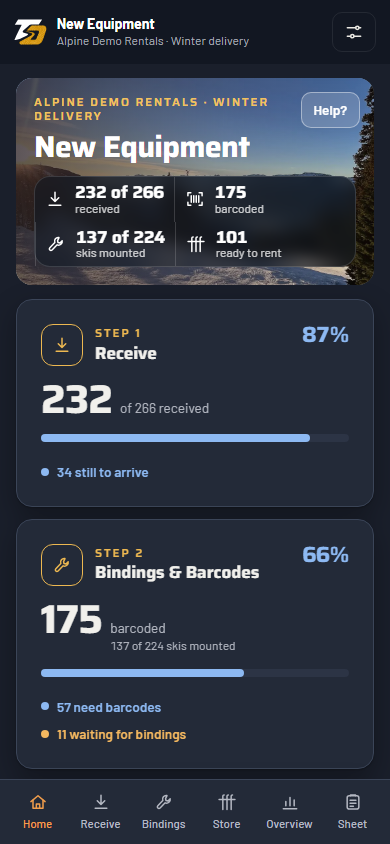
The Rack Tracker is one piece of Trail-Ops, rental software built in the Sea to Sky.
Bookings, rider forms, safety checks and service history, from the booking to the workshop.
Boot fitting, bindings, testing and the guest’s signature at the counter, through to storage and returns.
Questions? david@trailops.app · or book a demo of the full platform